An AI tool produces a draft in seconds. Someone still has to check the drawing revision, trace the requirements, resolve the missing information, and decide whether the result belongs in the quality system.
That is where the useful conversation starts. What changed in the work after the first impressive output?
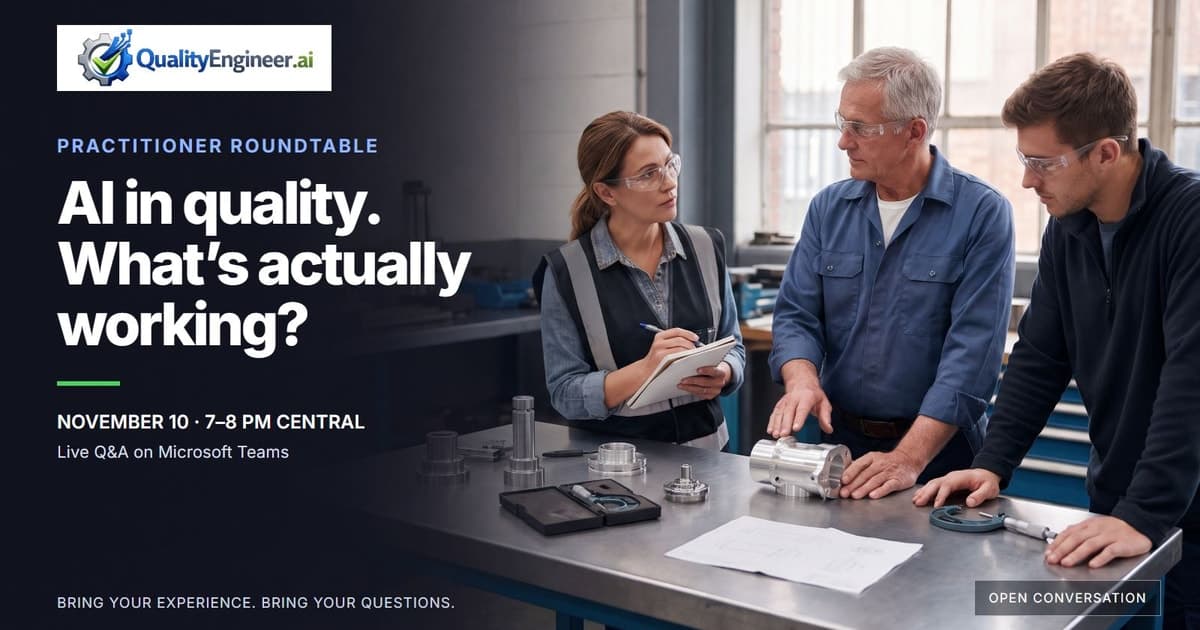
On Tuesday, November 10, 2026, from 7 to 8 pm Central, I’m hosting AI in Regulated Quality: A Practitioner Roundtable on Microsoft Teams. The hour is for quality engineers, quality leaders, and supplier quality professionals to compare experience and ask questions. Bring something that worked, something that stalled, or a task your team is still trying to make manageable.
See the roundtable details and RSVP on LinkedIn.
The conversation follows four questions. They also make a useful check on an AI initiative before your team invests more effort in it.
1. What has your team actually tried?
Start with one task. “We’re using AI for quality” is hard to discuss. “We tried turning a drawing into a first-pass characteristic list” gives another engineer something concrete to question.
Possible discussion topics include drafting a CAPA narrative, finding requirements in a specification, reviewing a supplier response, preparing a PPAP package, or carrying characteristics between planning documents. These are examples to explore, rather than claims about results.
Describe the starting material, the output, and the person who used it. Then name the boundary: was this an experiment with sample material, a draft reviewed by an engineer, or part of an approved workflow? Those are different levels of responsibility.
If the initiative never made it past a pilot, that experience belongs in the conversation too. The reason it stopped may be more useful to another team than a polished success story.
2. Did it work, and how did you check?
A faster first draft can still create more checking and rework. Compare the whole task, including preparation, review, corrections, and handoff.
Before making a claim about time saved or quality improved, write down the original process and the conditions of the trial. Use comparable work where you can, and keep the sample size visible. One successful document is a useful example; it does not establish a dependable process.
For a small trial, this worksheet keeps the discussion specific:
| Question | What to capture |
|---|---|
| What was the task? | One defined input, output, and intended user |
| What did the original process require? | Preparation, creation, review, correction, and handoff time |
| What changed during the trial? | The same steps, including any new checking work |
| What needed correction? | Omissions, unsupported statements, revision mistakes, or formatting problems |
| Who checked the result? | The responsible reviewer and the evidence they checked against |
| What remains uncertain? | Sample size, unusual cases, or steps that were not tested |
Use measures that fit the task. For a characteristic list, that might mean missing or incorrectly transcribed requirements. For a draft narrative, it might mean unsupported statements and the time needed to correct them. Keep the release decision with the people and controls responsible for the work.
3. Where does the work still stall?
The difficult step may sit outside the model. Is the source incomplete? Are revisions unclear? Does the output lose its connection to the evidence? Does someone have to copy it into another system? Is the team unsure what it is allowed to use?
Pick the point where the workflow stops and describe what happens next. “The draft is useful, but checking every requirement takes longer than writing it ourselves” is a much better starting point than “AI isn’t ready.” So is “We cannot get consistent inputs from our suppliers.”
You do not need to share proprietary material to explain the problem. Bring an anonymized description or a made-up example. Keep customer names, drawings, personal information, and confidential records out of the session.
4. What would useful help look like?
Define the next useful outcome in the language of the work: a clearer input, a traceable draft, a repeatable review step, or less copying between documents. Name the owner and what they would need to see before trying it.
That gives us something practical to discuss at QualityEngineer.ai. It also leaves room for the answer to be a process change, a smaller experiment, or a decision to stop an approach that is creating more work than it removes.
Bring one example and one question
For the roundtable, a few sentences are enough: what you tried, what happened, where you are stuck, and what you would like to understand next. You are welcome to join if your team has not started an AI initiative yet.
I’ll facilitate the discussion and make space for questions. This is an open Q&A, with no slides, sales presentation, or product demo. The session will not be recorded.
November 10 · 7–8 pm Central · Microsoft Teams
RSVP and get the existing Teams meeting link through the LinkedIn event.
Header image: AI-generated illustration created with Gemini 3 Pro Image. The people shown are illustrative and do not depict QE staff or customers.